
Anyone finding it tricky to communicate effectively with students and families during this 100% online learning experience?
A friend of mine uses Seesaw to share information with parents and students. This teacher is able to send blasts to her class with realtime, to-the-second info about things like Google meeting times and links, as well as clarification on Google classroom assignments. These same kiddos and parents have direct access to their teacher to ask questions and request explanations at any time of the day. This could be overwhelming at both ends of the communique, which leads me to wonder…
What is the ideal style of communication between Teacher and Class during Online Learning?
Seesaw isn’t the only app that fosters direct communication between parents and teachers. The Bloomz app is another powerful tool for connecting educators with homes. These social-media-style apps require logins, so they are safe for sharing personal information. This allows teachers to feel safe posting pictures of students, including names, and providing school information that would otherwise be too revealing on an open social media platform like Facebook or Twitter. Can the app be too social, though?
When group messages are posted, and parents “Thanks” and “Thumbs up” the message, each response goes to everyone. If you have “notifications turned on” on your phone or device, it dings over and over… Then families end up turning off the notifications and end up missing valuable information.
Classdojo is an app that I have used in the classroom. This one allows teachers to not only share information with homes, but educators can provide instant feedback concerning classroom behavior. With the proper settings and notifications, parents can be notified as to how their kid is doing throughout the day in a realtime way. Pictures, videos, and messages can also be communicated. Personally, I found that I was tied to the app, constantly looking for student icons to add information to, rather than actually addressing my students.
Additionally, when I used Classdojo, but this could be applied to any of these and other apps, families became accustomed to and dependent on the reporting. Teachers can become captives to communication!
And, what about those families who are seemingly unreachable? Teachers collect all kinds of information at the beginning of the year; email addresses, phone numbers, best way(s) to communicate, etc. I’ve emailed, made phone calls, and texted. I want to respect people’s privacy, and not force my teaching onto their family life, but also make the educational experience reachable. I view my attempts at contact as throwing a pedagogical rope. If a family wants or needs some time to itself, they need not grab the string. It is there for them, though.


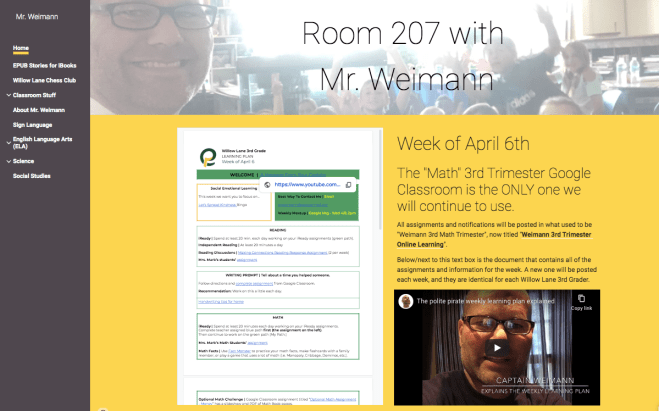
I have chosen to use a Google classroom to provide my online teaching. Because my school district uses Google and all of my students have Google accounts and are versed in Google apps, it was a no brainer. There are other platforms, but I imagine they behave similarly: Educators can post assignments, leave feedback, make announcements, and share links through an app that looks and behaves much like a social media platform. There is a “stream” of activity that teacher and students can scroll through to find things. Items are listed chronologically. Like the other apps, Google classroom provides the opportunity for families to be “notified” when there is app activity; when teachers post things to the classroom.
We return to my original question: What is the best communication between educators and families?
Too much could turn off families, causing them to literally “turn off” notifications. Not enough, and families will not be trained to depend on or look to the platform for updated information/assignments.
Composing this blog from an educator’s perspective, I am finding it difficult to locate my students’ work. In the physical classroom, I’d model and explain instructions to my whole-group of Polite Pirates (students) before posting a Google slideshow to the online classroom for them to engage with. Everyone heard the same message, and I was even available in person to aid students who needed guidance. Now that we are completely online, I am finding myself making movies to reiterate expectations. Luckily, I was able to train my class in the usage of the Google classroom before we were locked out of the school building!
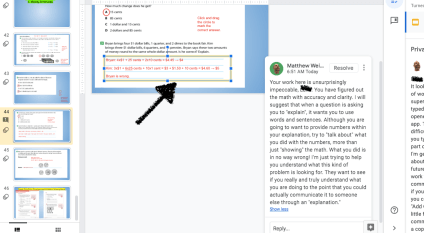
Here is a frustrating situation: I post an “Optional” assignment in the Google classroom. It is a Google slideshow that students can interact with; A copy was produced for each student. Because it is optional, students don’t have to do it. Do I have to check them all? I ought to honor the work of anyone willing to put in this extra effort! I have devised a system that could help me, and empower student work to be found for feedback. Simply tell me that you did the optional work in a comment with in the Google classroom. Additionally, in a slideshow made up of many slides, leave a comment on the slide that you worked on. In this way, students will be “flagging” their work. These comments are hands in the air saying, “Look over here; I did some work I want you to look at.”


I like the idea of “Less is More,” shared by iTeach:iMother on March 24th, 2020.
I am going to share this idea with my parents and pirates today. We’ll see how it works. What are some tips and tricks that you have used to streamline communication during this online learning experience? How can the connection between educator and pupil homes be made tight, clear, unhindered, unobtrusive, and most helpful? I’d love to hear from parents, teachers, administrators, app developers, and more! Comment below, and let’s make this out-of-school schooling as productive and beneficial as possible!


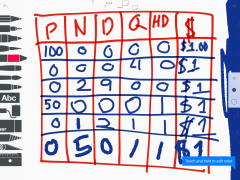
 I closed the device she was using and drew a grid. “I’m going to teach you a homonym; a multiple-meaning word,” I told her. “This is a table; not the kind you eat on. You use this to make sense of numbers.”


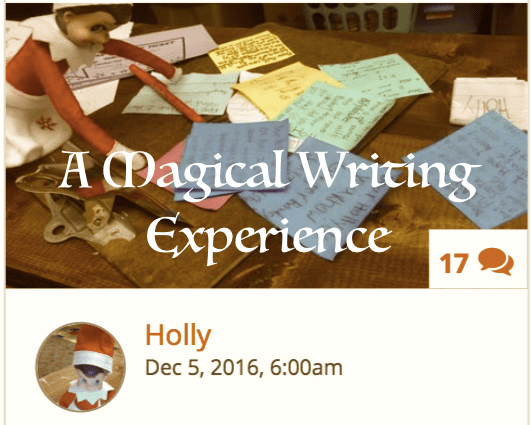

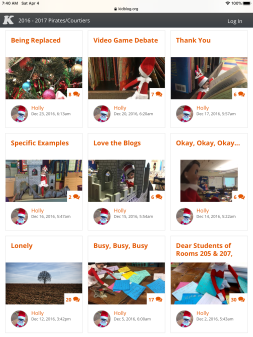
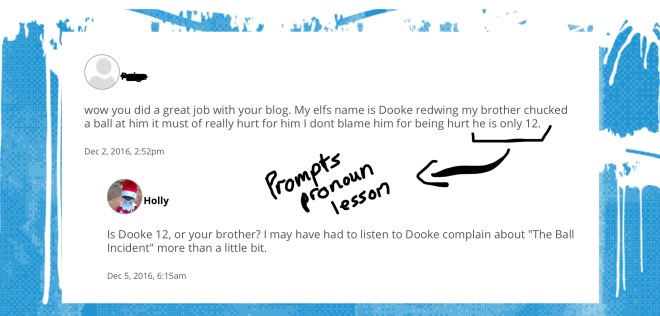
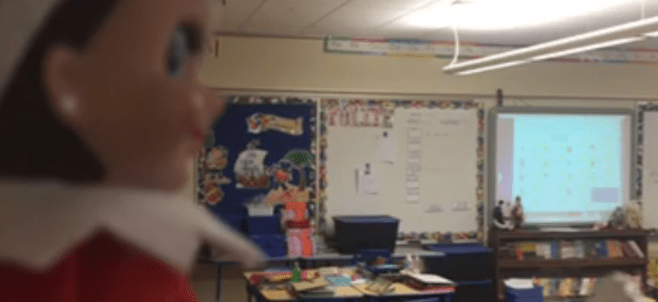
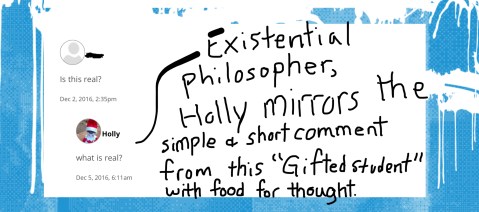
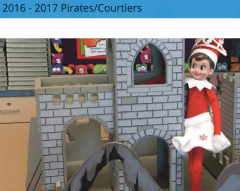 Holly is my classroom’s Elf on the Shelf. She appears every year on the first day of school after Thanksgiving. Most students know the rules already. Many have their own elf at home. Each year’s students behaves differently. One year the Polite Pirates (my students) absolutely fell in love with Holly!






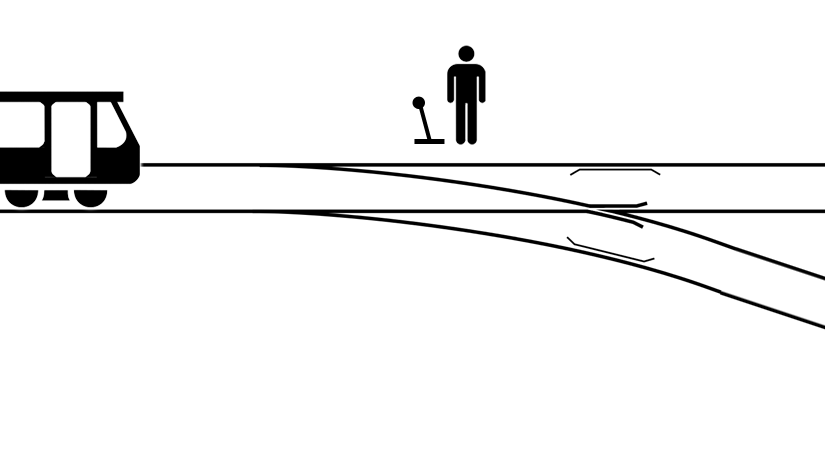

 What makes problem novels riveting is their realistic nature. The events and situations within these tales are only as captivating as they are imaginable. In Picoult’s “The Tenth Circle” the daughter of an adulterer is date-raped. As it turns out, the perpetrator is the young girl’s ex boyfriend. The teacher of story-telling knows that every tale must present a problem. The line between “Realistic Fiction” and a text being a “Problem Novel” lies in the intent of the text. While a Problem Novel would fall into the category of Realistic Fiction, in that it is believable, the all-consuming problem of the story has the reader completely wrapped up in constant conflict. You are reading ONLY to find out the answer to the problem. And, be forewarned, the better the Problem Novel, the less likely you will be provided a solution!
 Have you read any good Problem Novels? What might attract someone to read this genre? Why would an author choose to write this type of book? How does reading a Problem Novel help you?


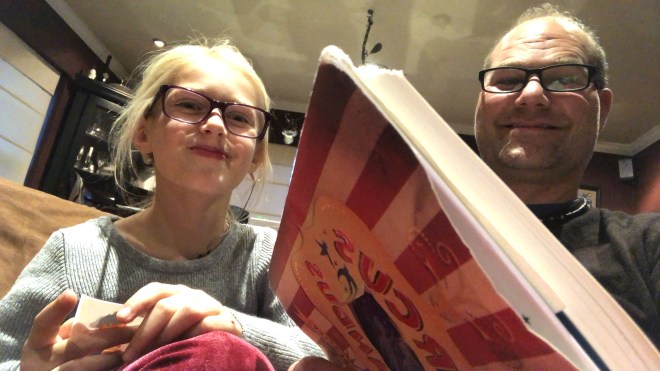


 I recommend you weave plenty of entertaining activities into your self-educating-agenda. Reading is a great escape from both the Matrix and reality. I like books that make you think, and Circus Mirandus does just that! It explores the dangers of the pull of power. If you had the power to cause others to believe things, what would you do with it? Luckily, there are people in the world who work to help children and others believe in a better tomorrow. That is my aim.



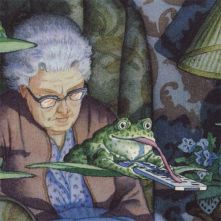 At first Scarlet and I were attracted to the artwork and frogs, but as we reread it, many more meaningful lessons were uncovered. How do you “read” a wordless book? I spoke to my emergent reader about what was happening in the images. We took turns asking each other questions and pointing out phenomena. We celebrated one another’s surprises: “Did you see this?!” How many “Oh my goodness-es” were uttered?




 The Captain of Class